
How to change your Payment Method
Sign in to your Client Area. Open the menu under your Client Name and choose “Account Details.”
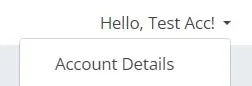 Account Details.
Choose your default from the “Payment Method” dropdown on Account Details, then save the change. The dropdown lists the methods available on your account, including options such as PayPal and card payments through Stripe.
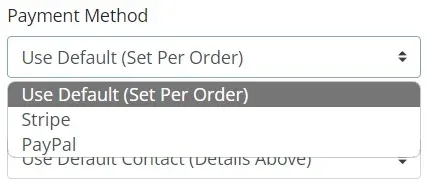 Payment Method.