
How to Make and Host a DayZ Server on PC: 2026 Guide
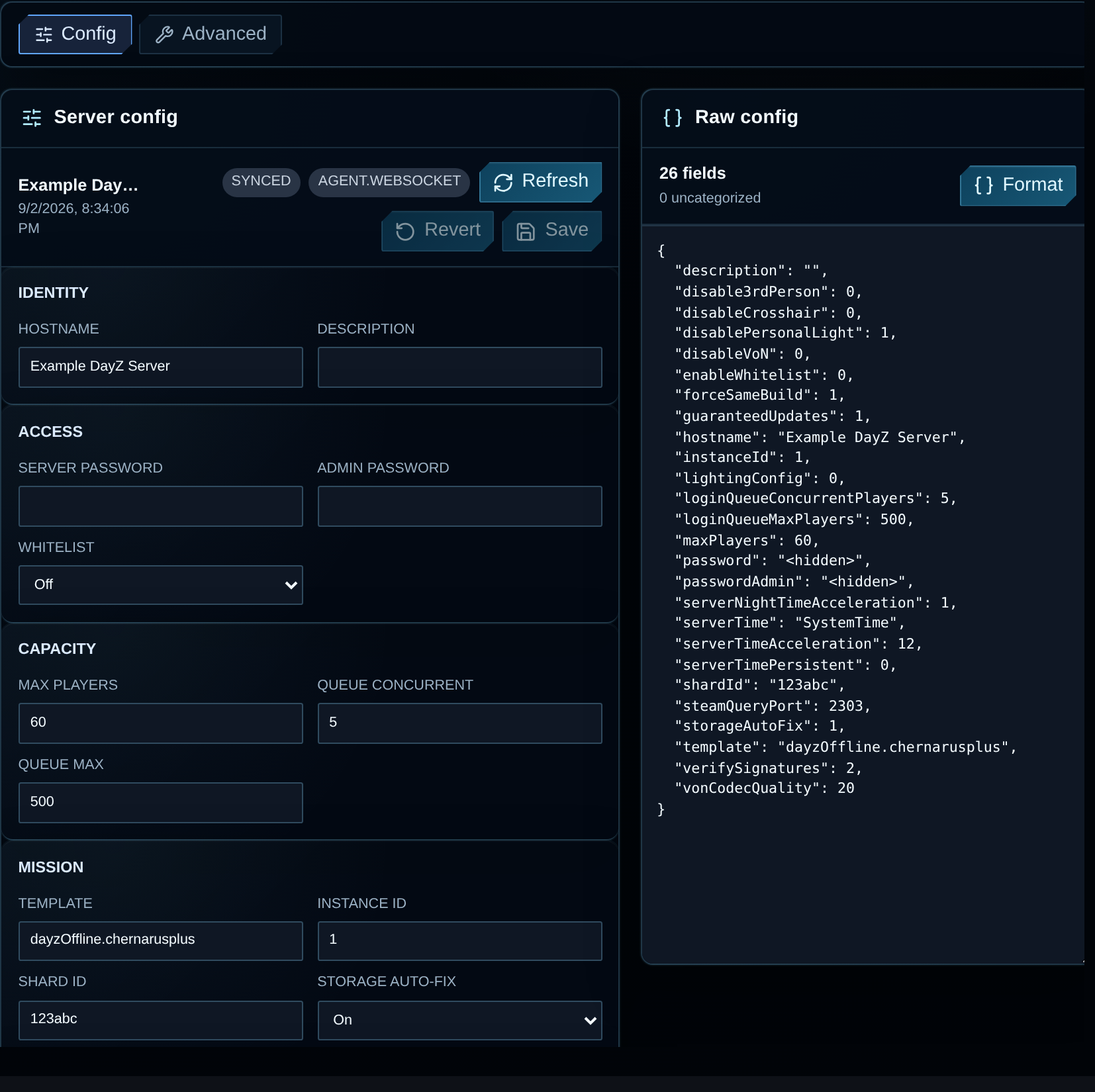
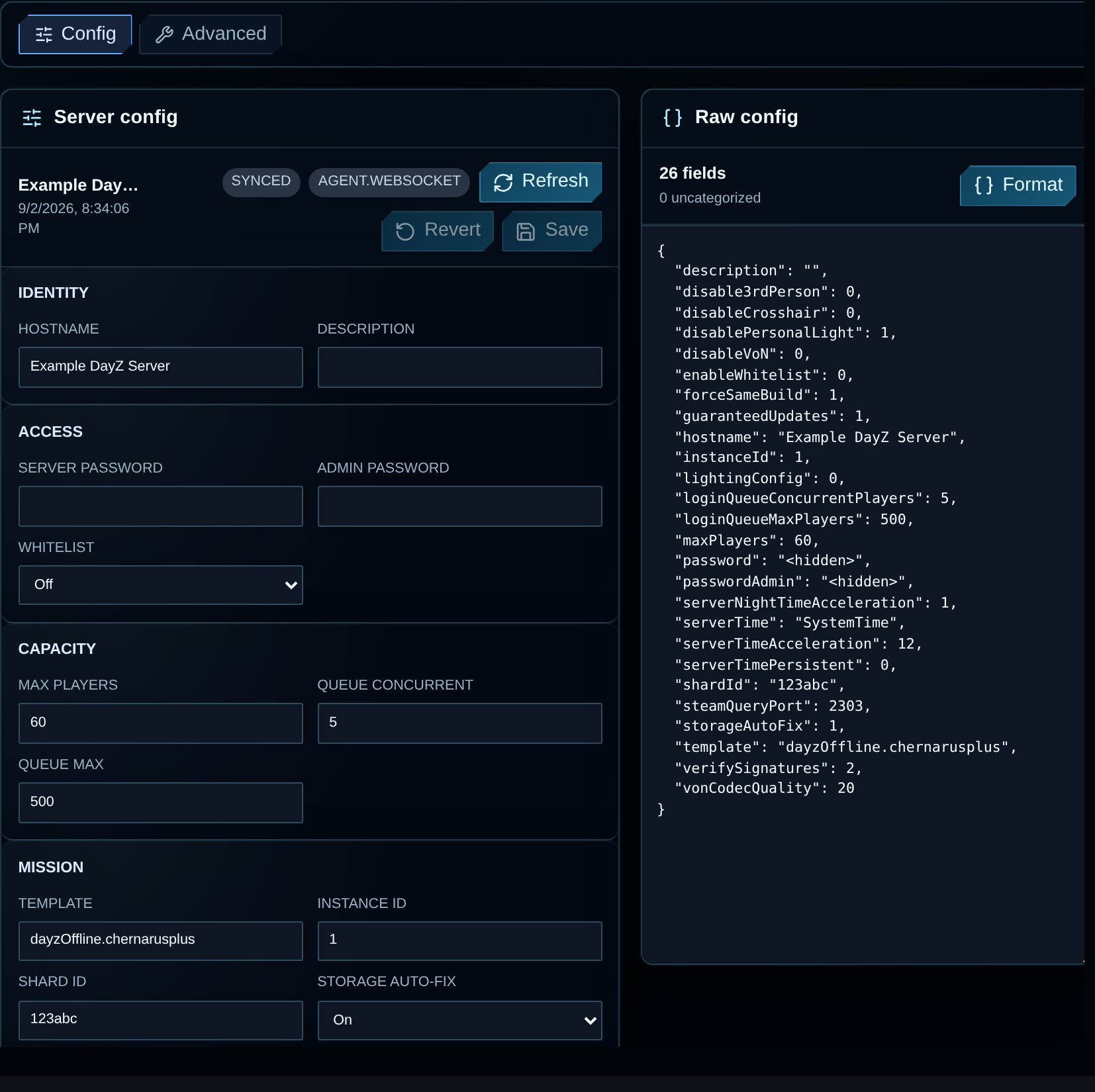
Install the DayZ Standalone PC dedicated server, configure a vanilla Chernarus mission and test a player connection. These steps cover a Windows or Linux machine you administer. Start without Workshop mods so you can check installation, networking and the client connection before adding packages.
For a service supplied by a host, follow buying and renting a DayZ PC server. Return to the DayZ guide directory for other tasks.
What You Need Before Starting
Section titled “What You Need Before Starting”- A Windows or Linux host. Check the server requirements against your map and intended workload.
- Steam access. On Windows, use Steam’s Tools section or SteamCMD. On Linux, use SteamCMD. Enter credentials at the prompt instead of saving them in a script.
- Access to game files and network rules. At home, this includes the router and host firewall. A VPS can also have upstream filtering.
- A text editor. Edit the configuration supplied with your server release and preserve its other fields.
Keep a backup before replacing existing files. The installation command includes validation, which can overwrite stock files you have edited. For a running server, use the update procedure.
Install a Vanilla DayZ Server on Windows or Linux
Section titled “Install a Vanilla DayZ Server on Windows or Linux”Start with an unmodded Chernarus server. Get one player connected before adding Workshop packages, a custom map or automation. These steps are for a machine you manage; VYKIX managed hosting does not require you to install the host OS or SteamCMD.
Windows: download the stable server
Section titled “Windows: download the stable server”- Download the Windows build from Valve’s SteamCMD installation page and extract it to
C:\steamcmd. - Open PowerShell as the account that will run DayZ. Pick a separate installation folder, such as
C:\DayZServer. - Run the following command, replacing
YOUR_STEAM_LOGINwith your Steam account name. Enter your password and Steam Guard code at the prompt; do not add them to a saved script.
& 'C:\steamcmd\steamcmd.exe' +force_install_dir 'C:\DayZServer' +login YOUR_STEAM_LOGIN +app_update 223350 validate +quitWait for SteamCMD to finish installing app 223350. If Steam reports a login or entitlement error, resolve it before continuing. For a Windows desktop installation, you can also install DayZ Server from the Tools section of your Steam library and open its local files.
Linux: install SteamCMD and DayZ
Section titled “Linux: install SteamCMD and DayZ”For Debian or Ubuntu, install the dependency named in Bohemia’s Linux server guide:
sudo apt-get updatesudo apt-get install lib32gcc-s1 curlmkdir -p ~/servers/steamcmdcd ~/servers/steamcmdcurl -fL https://steamcdn-a.akamaihd.net/client/installer/steamcmd_linux.tar.gz -o steamcmd_linux.tar.gztar -xzf steamcmd_linux.tar.gz./steamcmd.sh +force_install_dir ~/servers/dayz-server/ +login YOUR_STEAM_LOGIN +app_update 223350 validate +quitReplace YOUR_STEAM_LOGIN and enter credentials at the prompt. Run SteamCMD and DayZ as a normal user. Other distributions need the dependencies listed in Bohemia’s guide.
Configure the first mission
Section titled “Configure the first mission”In the installed server folder, back up the supplied serverDZ.cfg, then edit that file. Keep its other settings. For this first test, use these values and replace both password placeholders:
hostname = "My DayZ Test Server";password = "REPLACE_WITH_JOIN_PASSWORD";passwordAdmin = "REPLACE_WITH_ADMIN_PASSWORD";maxPlayers = 10;verifySignatures = 2;forceSameBuild = 1;steamQueryPort = 2305;The 10-player cap is a small test setting, not a capacity recommendation. In the existing class Missions block, select the installed Chernarus mission:
class Missions{ class DayZ { template = "dayzOffline.chernarusplus"; };};Edit the existing mission block instead of adding a second one. Confirm that mpmissions/dayzOffline.chernarusplus exists in this installation. Use the mission files shipped with your release; if files are missing, validate the installation. Bohemia also maintains the official Central Economy mission files. Match the release before replacing a mission.
Launch and join the test server
Section titled “Launch and join the test server”On Windows, run this from PowerShell:
Set-Location 'C:\DayZServer'& '.\DayZServer_x64.exe' '-config=serverDZ.cfg' '-port=2302' '-profiles=profiles' '-dologs' '-adminlog' '-freezecheck'On Linux:
cd ~/servers/dayz-server./DayZServer -config=serverDZ.cfg -port=2302 -profiles=profiles -dologs -adminlog -freezecheckLeave the process running. Read the startup output and the RPT files in profiles for configuration, mission or missing-file errors. Allow the configured UDP endpoints through the host firewall before testing a player connection.
Join from a matching DayZ PC client using the host’s address and game port 2302. For another PC on your home network, use the server’s LAN address. A test from outside that network needs the public address and working forwarding described below.
In the official launcher’s Direct Connect dialog, enter the IP address and game port in their separate fields. Keep the port assigned to your server; dropping it or substituting the query port can send the connection to the wrong instance.
After a join succeeds, check the community server browser as a separate test. If the server appears but joining fails, investigate the game endpoint and client build. If direct joining works but the listing is missing, investigate the query endpoint. Add mods after both checks pass.
To update an existing installation, stop it using its normal shutdown procedure and verify a backup. Follow the server and mod update procedure against the existing directory. The installation command above includes validation, which can replace edited stock files. Compare mission changes with the new release before restarting, then test a player join.
Port Forwarding and Firewall
Section titled “Port Forwarding and Firewall”Find the assigned game, query and optional RCON endpoints before creating router or firewall rules.
VXPanel lists the address and ports for your instance on its Network page:
| Endpoint | Where to verify it | Purpose |
|---|---|---|
| Game port | VXPanel Network or the self-managed -port launch argument |
Player joins and gameplay traffic |
| Query port | VXPanel Network or the self-managed steamQueryPort setting |
Steam/A2S discovery in the server browser |
| RCON port | VXPanel Network or the self-managed BattlEye configuration | Remote administration if enabled |
For the self-managed example above, UDP 2302 is the game port and UDP 2305 is the query port. These are values we chose for that example, not assignments to copy onto a managed service. Check the startup output and your build’s network settings for other enabled endpoints before writing rules. Leave RCON closed unless you need it, and restrict its access to your admin tools.
For a local test, inspect the listening addresses as well as the ports. In our Windows test, binding gameplay to 127.0.0.1 still left Steam query sockets listening on 0.0.0.0. A game-IP setting alone does not establish isolation for every endpoint.
At home, reserve the server’s LAN address in the router, then forward the chosen UDP game and query ports to that address. Match them in the OS firewall. Test with a friend on another connection; joining from inside your own network does not prove public reachability. If the ISP uses carrier-grade NAT, ask about a public address or use hosted infrastructure.
Managed hosting: Give players the assigned game address and keep the ports unchanged. Contact support before changing network settings.
VPS or dedicated: Match OS firewall and upstream filtering rules to the configured game and query endpoints. Restrict administration to the people and tools that need it. Check both filtering layers; opening the OS firewall leaves an upstream block in place.
Home PC: Check the router and ISP restrictions, then forward to the server’s local address. Carrier-grade NAT may prevent normal forwarding from making the server reachable.
If direct joining works but the listing is missing, check the query port, its filters and startup RPT output. Give support the results of both tests.
Check the first launch
Section titled “Check the first launch”Confirm these results before installing mods or opening the server to a community:
- The process loads the intended configuration and Chernarus mission without startup errors.
- A matching PC client joins through the configured game endpoint.
- A player outside the host’s network can join when public access is required.
- The community browser discovers the server through the query endpoint.
If startup or joining fails, preserve the RPT output and record the address, port and client build used. The launcher troubleshooting guide separates startup, direct-join and discovery failures.
Common Questions
Section titled “Common Questions”How do I set up a DayZ server?
Section titled “How do I set up a DayZ server?”Install the stable DayZ server application, configure the supplied mission, allow the selected game and query ports, start the process and test a join from a matching PC client. Use the rental guide for a service supplied by a managed host.
What ports does a DayZ server need?
Section titled “What ports does a DayZ server need?”Use the game and query endpoints selected for your instance. The example in this guide uses UDP 2302 for gameplay and UDP 2305 for discovery. Verify other enabled endpoints against your build and launch settings before creating firewall rules.
Do I need SteamCMD to run a DayZ server?
Section titled “Do I need SteamCMD to run a DayZ server?”SteamCMD downloads and updates a self-managed installation. On Windows, you can also install DayZ Server from Steam’s Tools section. A managed service supplies its own installation workflow.
What is serverDZ.cfg?
Section titled “What is serverDZ.cfg?”serverDZ.cfg is a common name for the file selected by the -config launch argument. It contains the server name, admission settings and mission selection. Edit the file your process loads.
Can I run a DayZ server on my home PC?
Section titled “Can I run a DayZ server on my home PC?”Yes, if the machine and connection suit the workload and permit inbound access. Test router and ISP restrictions, including carrier-grade NAT, and keep the host running while players connect.
Continue with the task you need
Section titled “Continue with the task you need”| Next task | Dedicated guide |
|---|---|
| Rent a service or compare costs | Buy or rent a PC server and server costs. |
| Restrict access to invited players | Join passwords and whitelists. |
| Edit an existing server | Find and change the active configuration. |
| Install Workshop packages | Mod installation, signing keys and load order. |
| Open a public community | Community launch and admission checks. |
Related documentation: Bohemia’s Linux installation guide, Bohemia’s server configuration reference.
See DayZ hosting plans. Eligible switchers can ask us to confirm migration scope and terms before ordering.
Ask VYKIX on Discord with your map, mod list and setup step. If a start or join failed, include the exact error and relevant log lines with credentials removed.