
Europe
Frankfurt Game VPS
- 2–8 vCoreChoose the resources your servers need
- 18–42 GB DDR5300–600 GB NVMe storage
- VxShield includedNo separate DDoS add-on
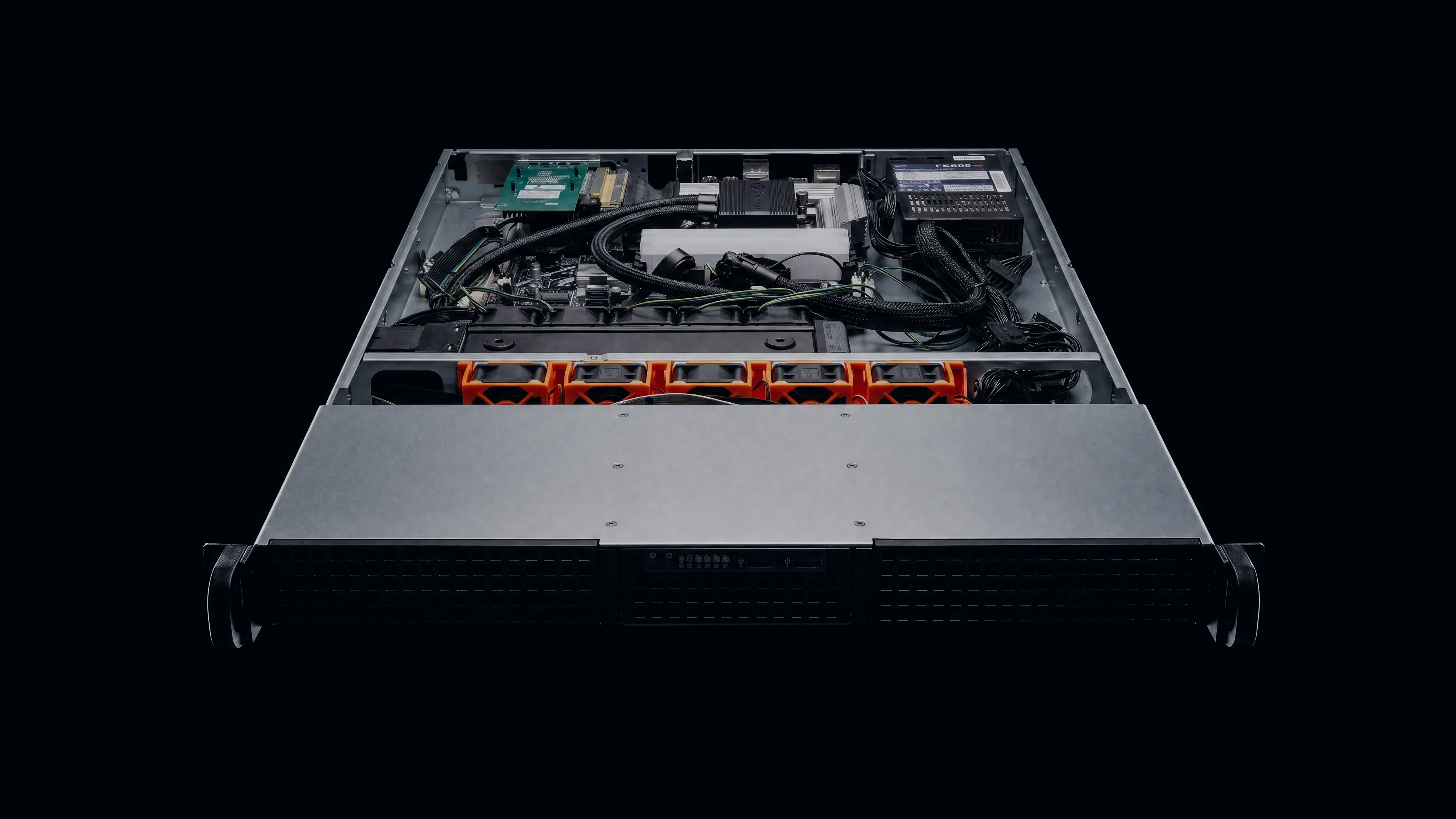
Run your own game servers and admin tools on overclocked hardware. Get root access, DDR5 memory, NVMe storage and VxShield DDoS protection in Frankfurt or Chicago.
Your order total, including applicable taxes and fees, is shown before payment.


Choose a location for your community, then select your CPU, memory and storage in the regional store.
Measure all the game servers and admin tools you plan to run together.
For an existing Rust server, check the cause of lag before adding resources.
Ask us to check your workload (opens in a new tab)Each physical server is overclocked and liquid-cooled, then tested for 72 hours before we hand it over.
See the hardware that hosts your server and the VxShield protection it includes.
Install your game servers, mods and admin tools. You look after the software; we maintain the physical host and network.
You manage access, updates and backups. Configure your game ports in both the OS firewall and VxShield, where ports start closed.
Prefer a game panel with the host OS maintained for you?
Compare managed DayZ hostingExplore managed game hosting or a whole physical server, or compare all three hosting options.
Your VPS runs on an overclocked, liquid-cooled physical host. The regional store lets you select its CPU, memory and NVMe allocation.
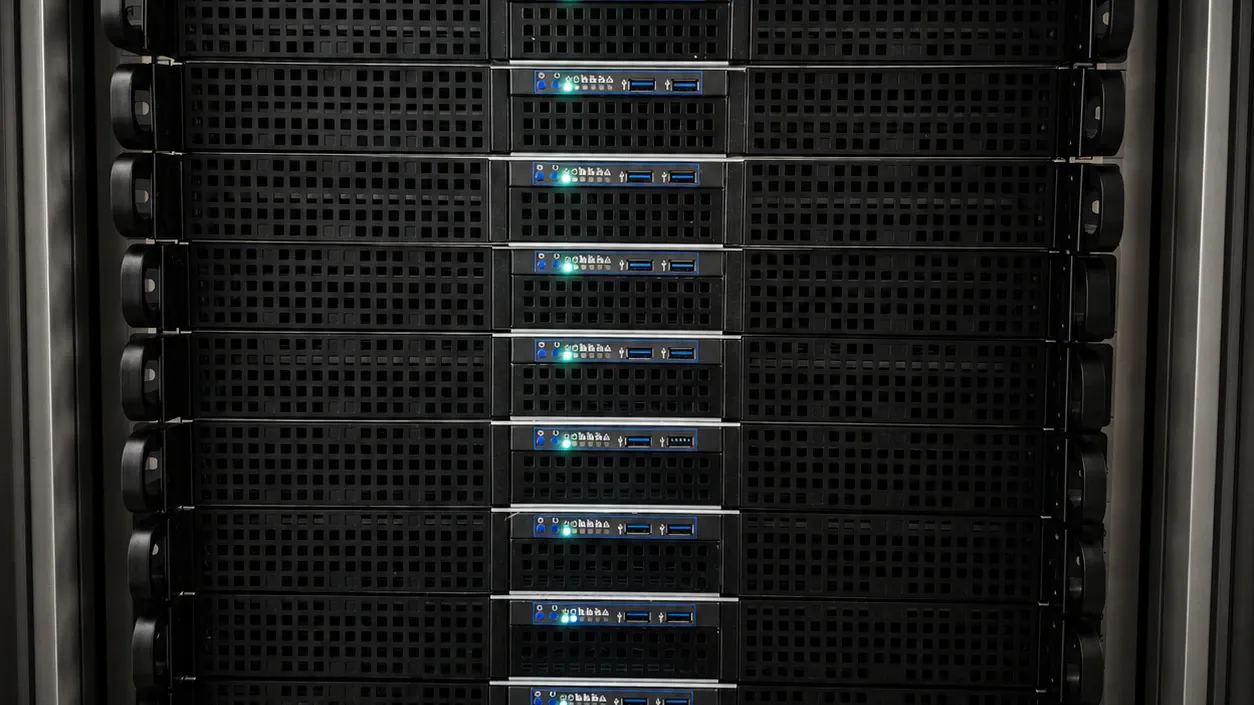
Choose the CPU, memory and storage allocation for your setup.
Watch how we build our servers in the 70-second build film.
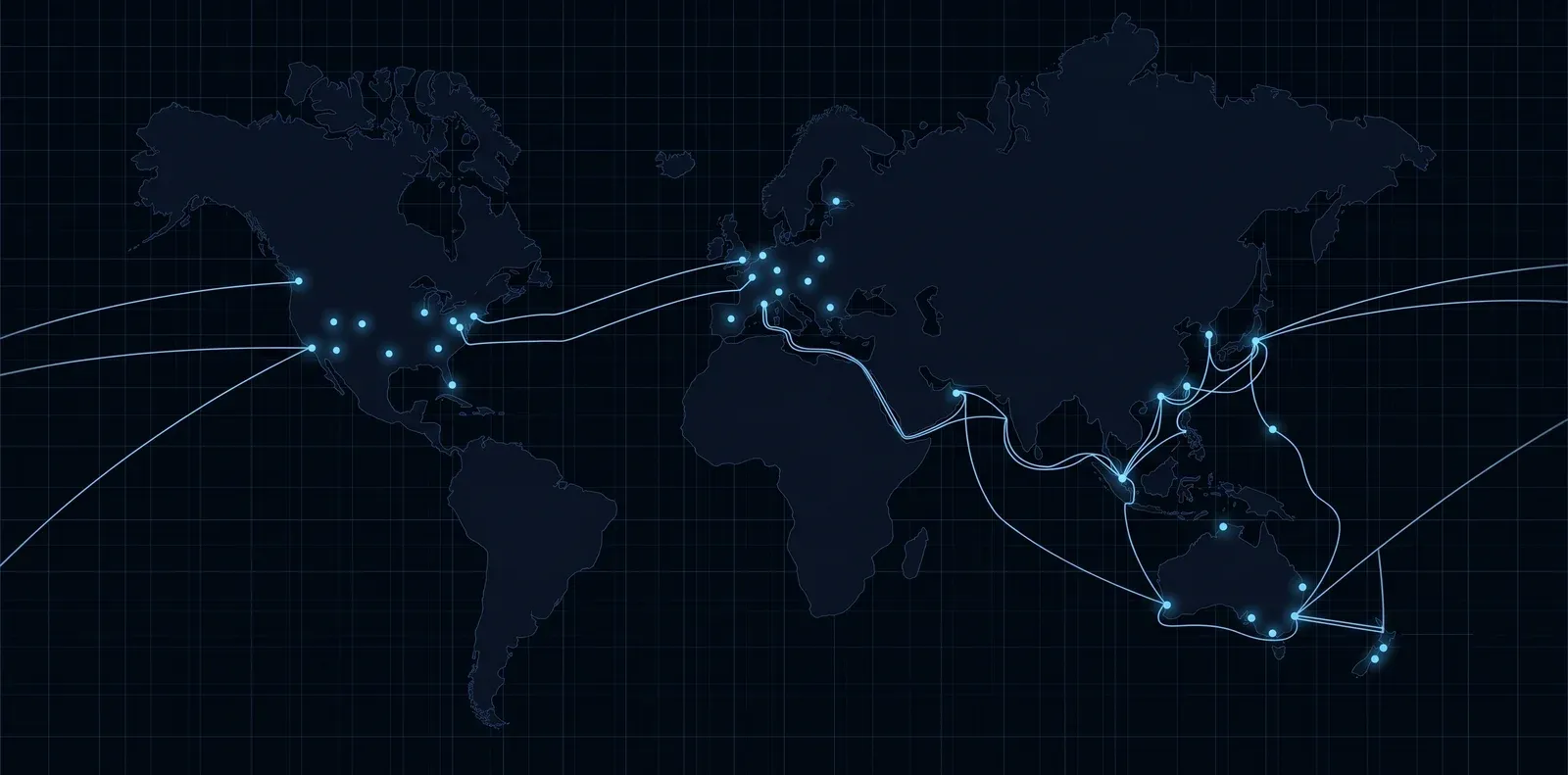
A global Anycast edge filters attack traffic with VxShield and passes legitimate traffic to your Game VPS.
Included on every planNo separate DDoS add-on fee.
Upstream filteringTraffic is filtered before it reaches the VPS.
Network statusView live status (opens in a new tab)VxShield combines upstream mitigation from Global Secure Layer (GSL) with additional filtering on VYKIX's network.
The Ground Zero report recorded a 2.56 Tbps network peak on .
Support just keeps getting better and better, Niko & Vykix a credit to the gaming server world.
We've used Niko's services for over a year now with fast support, minimal issues and great hardware.
Fantastic connectivity and an incredibly responsive tech team.
Selected customer experiences, quoted in English. Sources checked . Read the full reviews and replies on Google.
Check supported games, maintenance responsibilities and resource sizing.
With Game VPS, you install your game software and admin tools through root access and take responsibility for the OS, software and access controls. Managed game hosting lets you work on game files and configuration in a panel. VYKIX maintains its host operating system.
Yes. Root access lets you install a DayZ PC server of your own. Installation, configuration, updates and security for both the operating system and DayZ are your responsibility. Confirm compatibility before choosing software, and size the VPS around your mods and settings: those choices and the available resources determine player capacity.
Game VPS is available in Frankfurt, Germany, and Chicago, United States. Consider your players' locations, then open the relevant store to compare its vCPU, memory and NVMe storage plans before placing an order.
Begin with the game's requirements and measure CPU use and peak memory through a busy session and a save. Account for the OS, panel and any other services running alongside it. NVMe storage must fit the game, logs, backups and unpacked updates. Size for that whole workload with room to grow; it determines the capacity you can play at.
Both the OS firewall and VxShield rules are yours to manage. VxShield starts with ports closed, so configure the port, protocol and protection filter for each public service and test it from outside the VPS. An OS firewall change does not open the corresponding upstream rule. On managed game hosting, VYKIX staff handle these protection rules.
Discuss the games, mods, expected player counts and plan you have in mind with VYKIX before you order. Several instances share one VPS allocation, which must cover their combined vCPU, memory and storage use. You remain responsible for software, security, ports and maintenance.
Match a Frankfurt plan's vCPU, memory and NVMe resources to your intended games and services. Use measurements taken with your maps, plugins and players during busy sessions. Also test from the networks your players use. Their connection and route influence latency, as does the server's location.
The Frankfurt and Chicago stores list prices alongside each plan's fixed vCPU, memory and NVMe allocation. Compare those resources with the game servers you intend to run. Your order total, including applicable taxes and fees, is shown before payment.
