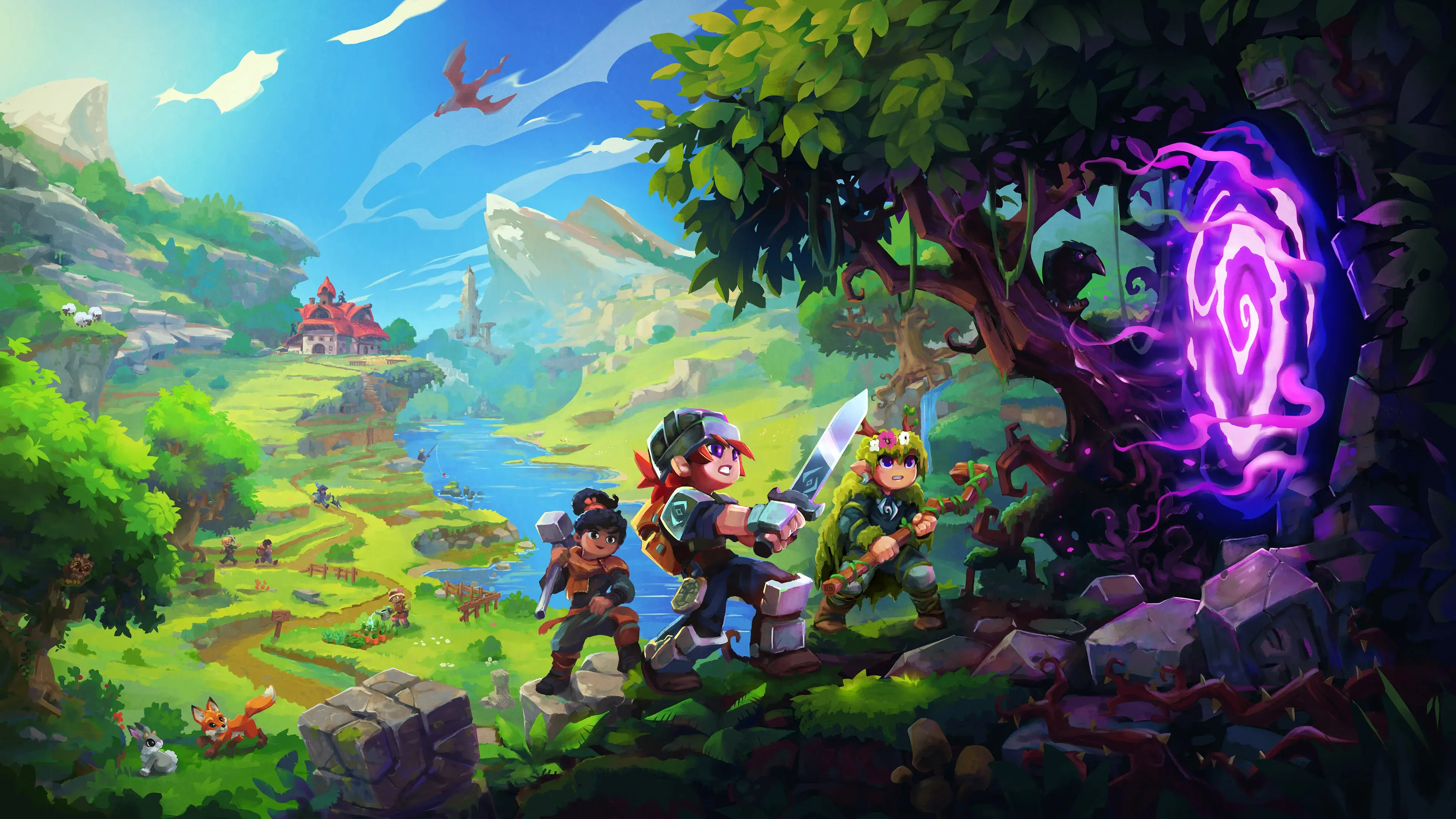
Start a new Hytale world
Select a world, complete Hytale authentication and connect to the server. After exploring the starting area with your group, adjust the settings in VXPanel.
Start a new Hytale world with your group or bring the one you have built. Manage world files and settings in VXPanel on an overclocked i9-14900K host, with no added player-slot fee.
Paid hosting From €19.99/mo excl. VAT
Your order total, including applicable taxes and fees, is shown before payment.


Begin a new world or keep the one your group knows. You will need your Hytale account to authenticate the server.
Select a world, complete Hytale authentication and connect to the server. After exploring the starting area with your group, adjust the settings in VXPanel.
Keep world saves, configuration and their required mods together. Preserve the original copy before uploading through Files or SFTP. Test the world and player progress before giving out the new address.
Record the current server build and mod versions with the world backup. Use that record to check the same setup after a move.
Get VxShield protection and full access to game files without an added player-slot fee.
Your order total, including applicable taxes and fees, is shown before payment.
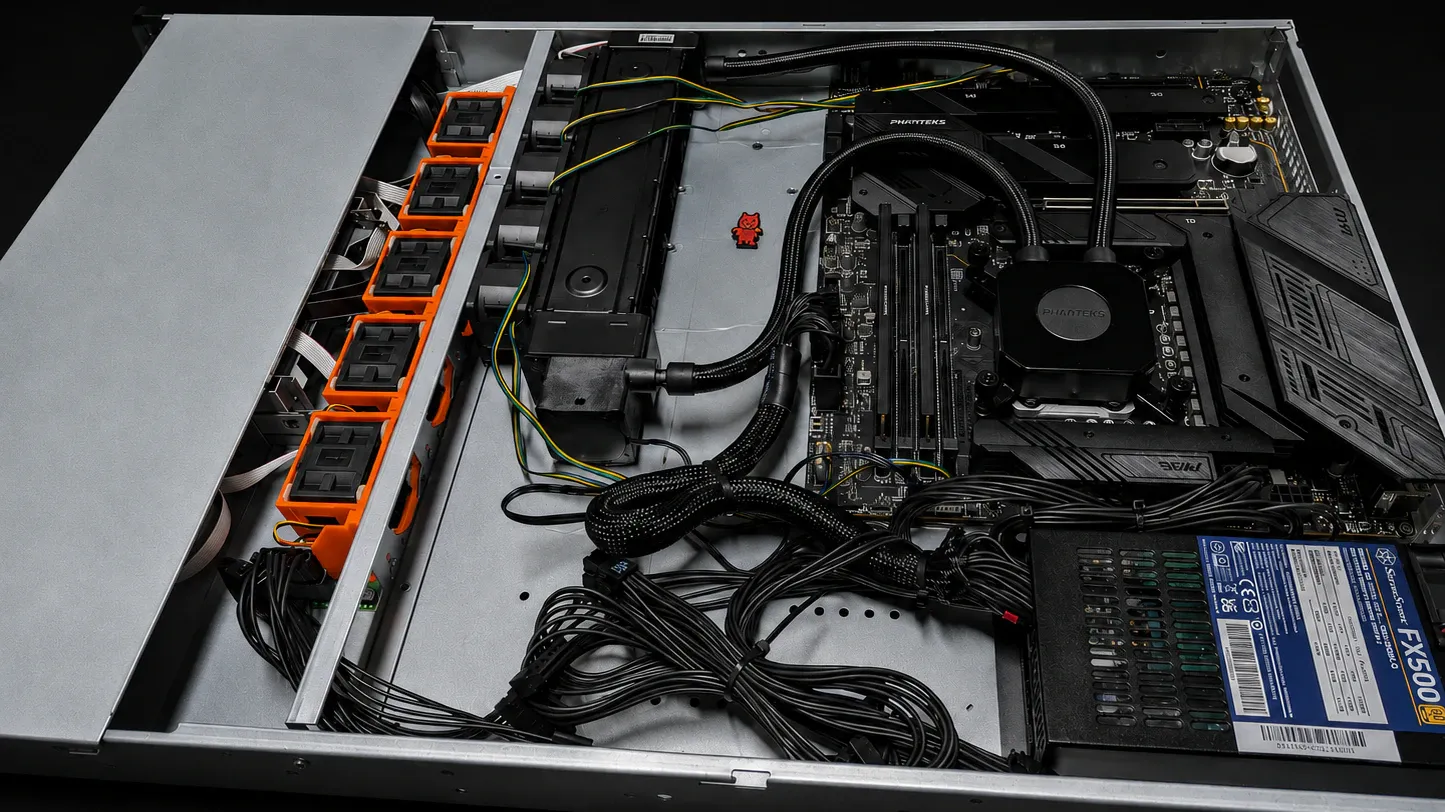
Each physical server is overclocked and liquid-cooled, then tested for 72 hours before we hand it over.
See the hardware that hosts your server and the VxShield protection it includes. Paid plans may use different hardware and resources from trials.
(opens in a new tab)We build and liquid-cool the i9-14900K OC host for your paid game server, which uses DDR5 memory and NVMe storage.
You control the game files; VYKIX maintains the host.
The VX-BM-I9-14900K-OC build hosts your Hytale server. VYKIX overclocks and liquid-cools the physical host.
Use VXPanel for world files, settings and console access. Transfer files through its file manager or SFTP.
Take a recovery copy before updating the world or changing mods. Download another copy outside the server as a separate backup.
Your Hytale hosting includes VxShield DDoS protection. There is no added player-slot fee when your group joins.
Your hosting plan includes VxShield. It filters attack traffic upstream and passes accepted player traffic to the game server.
Included on every planNo DDoS add-on fee.
Upstream filteringAttack traffic is filtered before reaching the host.
Network statusView live status (opens in a new tab)VxShield combines upstream mitigation from Global Secure Layer (GSL) with additional filtering on VYKIX's network.
The Ground Zero report recorded a 2.56 Tbps network peak on .

Edit Hytale configuration and transfer world or mod files in VXPanel. Check the folders in the file manager before starting the server.
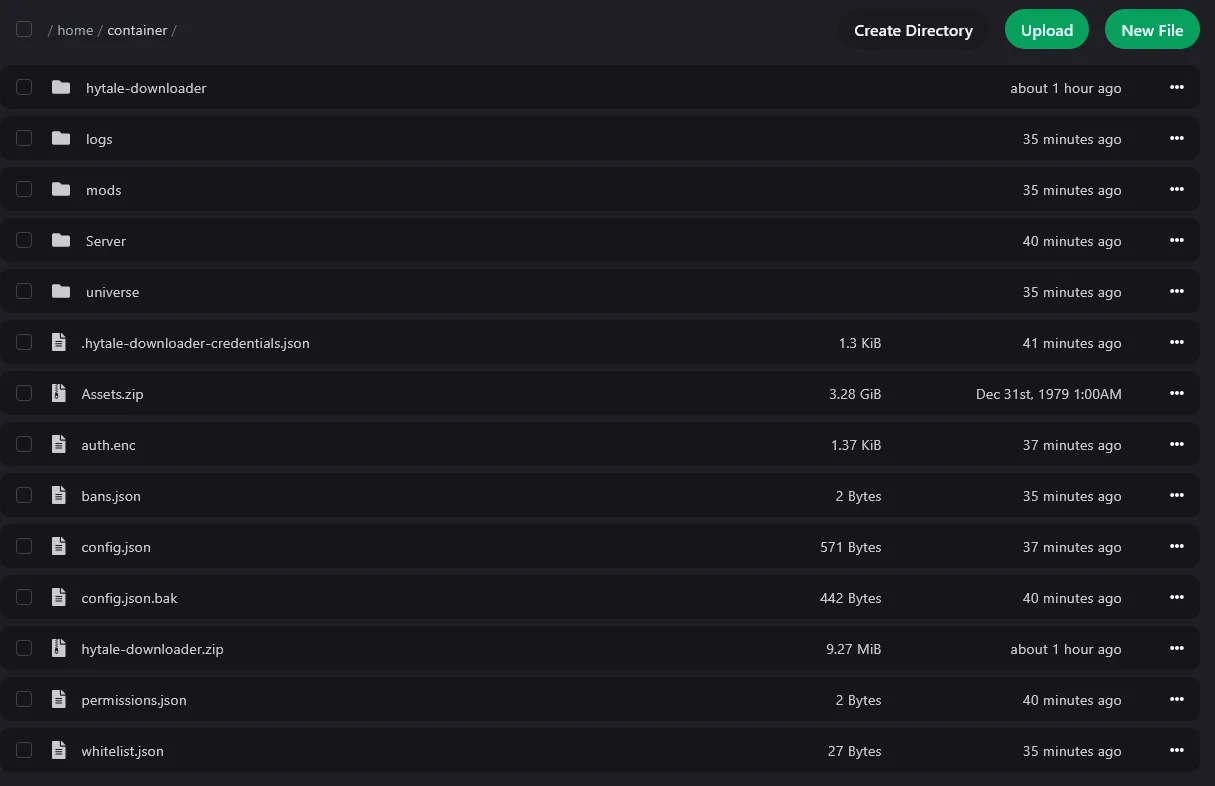 View full screenshot
 Support just keeps getting better and better, Niko & Vykix a credit to the gaming server world.
We've used Niko's services for over a year now with fast support, minimal issues and great hardware.
Fantastic connectivity and an incredibly responsive tech team.
Selected customer experiences, quoted in English. Sources checked . Read the full reviews and replies on Google.
Yes. Approve the login request through the Hytale account that owns your game. Follow the next step shown in the console and wait for its confirmation. Authenticate the server before sharing its address with players.
This is a managed Hytale game server with file and settings controls. VYKIX maintains its hardware and host operating system. Game VPS offers root access; bare metal gives you a whole physical machine.
Yes. Back up first, then upload worlds and mods through the file manager or SFTP. Follow each author's instructions for your Hytale version and required dependencies, and test changes before inviting players.
Your world, view distance and mods determine player capacity. Hosting adds no player-slot fee. DDR5 memory and NVMe storage are subject to fair-use limits. Send the mod list and expected peak players for help planning your setup.
Record the current build and back up the world, configuration and mods. Apply the update using your VXPanel service's provided method, then verify the build and join the world before players return. The update guide covers version checks and any authentication prompt.
The slots store recovery copies on the physical server hosting your Hytale service. Keep a downloaded copy elsewhere as well. Preserve current files before restoring, because the restore can overwrite progress made after the backup.
Managed Hytale hosting from €19.99/mo excl. VAT. Select a billing term when ordering in the portal. Your order total, including applicable taxes and fees, is shown before payment.
Work through the first start, account authentication, file access and backups.
Save a world backup, then verify the server build and mods after updating.
Check console output, account authentication and the connection address given to players.
Select a Hytale plan and billing term. Have your game account ready for the server connection, then prepare the world your group will join.
Paid hosting From €19.99/mo excl. VAT
(opens in a new tab)Your order total, including applicable taxes and fees, is shown before payment.