
Rust Wipe Schedule 2026: PC Dates and Safe Automation

Put an admin on duty for wipe night, even if a scheduler handles the files. Rust PC’s monthly update falls on the first Thursday of the month. Allow time to read the release notice, check your framework and watch the server come back up.
Facepunch sets out that schedule in its 2026 announcement. Rust Console Edition follows a separate publisher’s calendar. Use the dates below to arrange cover, then get the update time and reset requirements from the relevant release notice.
2026 PC and Console Edition planning dates
Section titled “2026 PC and Console Edition planning dates”These are the first Thursdays for PC and the last Thursdays for monthly Console servers. Before publishing your downtime notice, check whether the publisher has announced an exception.
| Month | PC first Thursday | Console monthly last Thursday |
|---|---|---|
| January | January 1 | January 29 |
| February | February 5 | February 26 |
| March | March 5 | March 26 |
| April | April 2 | April 30 |
| May | May 7 | May 28 |
| June | June 4 | June 25 |
| July | July 2 | July 30 |
| August | August 6 | August 27 |
| September | September 3 | September 24 |
| October | October 1 | October 29 |
| November | November 5 | November 26 |
| December | December 3 | December 31 |
The Console Edition FAQ gives 18:00 UTC for weekly Thursday wipes and monthly wipes on the last Thursday. Check the event notice and your server’s policy for any changes.
VYKIX’s managed Rust service hosts the PC edition. Console Edition is outside that service.
What time does Rust wipe?
Section titled “What time does Rust wipe?”Use Facepunch news, the official Rust account and your host’s maintenance notice to confirm release timing. Wait for the public Steam release to be available; a code commit can appear before you can install it.
Convert the time for the date you are scheduling. Daylight saving changes PST/PDT, EST/EDT and GMT/BST, so reusing a time-zone table can shift a recurring job by an hour.
For an unmanaged server, assign someone to download, restart and check the release, or configure an updater to handle the download and restart.
Map wipes, blueprint resets and force wipes
Section titled “Map wipes, blueprint resets and force wipes”| Operation | Data affected | Separate checks |
|---|---|---|
| Map wipe | The saved world, its structures and items | Decide what happens to blueprints and plugin data |
| Blueprint reset | The crafting recipes players have learned | Check whether map and plugin progress will reset |
| Mandatory update/force wipe | Whatever map or data the release requires you to reset | Follow the release instructions and check framework support |
Review plugin reset settings when planning the wipe. Some plugins respond to a new save; others store progress in their own data files and retain it across map changes.
Facepunch’s November 2025 update required a blueprint wipe. It did not set a permanent monthly blueprint schedule. Publish a map policy and a blueprint policy for your server, and tell players when a later release forces you to change either one.
Choose a community cadence
Section titled “Choose a community cadence”A weekly wipe gives the group a fresh start each week. A longer cycle lets players spend more time in the same world. Ask which they prefer, then choose a schedule your admin team can support.
Include these details in the plan:
- The day and time zone for the map reset.
- Which blueprints and plugin data you will retain or reset.
- Who will cover the update and test the first player join.
- Where you will announce a delay or change of plan.
- Where the backup is stored and how to restore it.
For a small group, work through the private Rust guide. If you run damage rules or persistent PvE progress, add the checks in the PvE guide.
Prepare a wipe without risking the wrong files
Section titled “Prepare a wipe without risking the wrong files”Agree on the files to reset and the recovery procedure before the maintenance window. Save, update, restart and check is the broad sequence; the file selection must match your installation and reset policy.
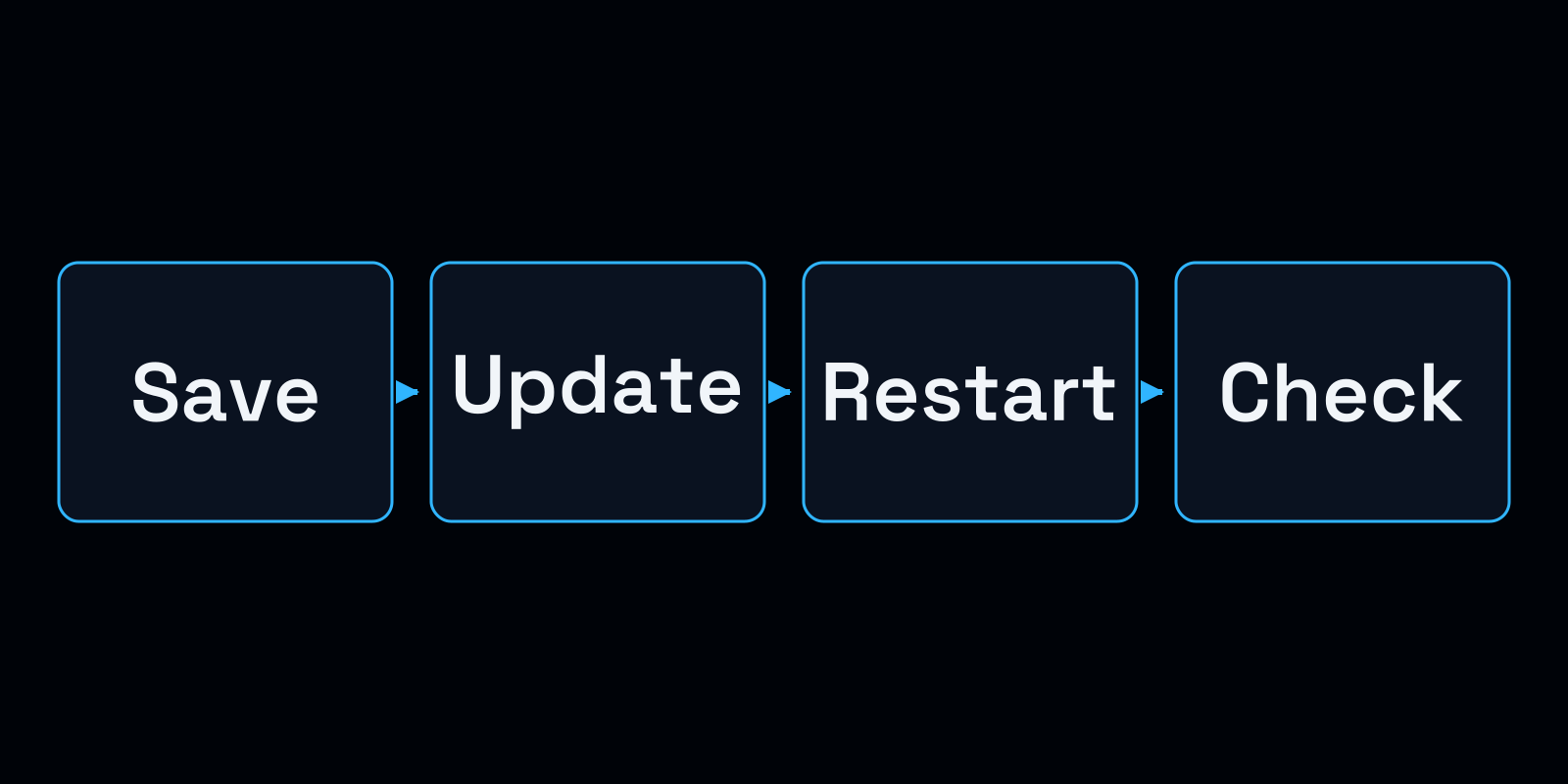
Back up the server before the wipe, check the reset settings, then test a player join after the restart.
- Identify the active world. Confirm the server identity, save and data you intend to remove. Avoid copying deletion wildcards from another installation; they can select the wrong files.
- Prepare recovery. Use the normal shutdown procedure and wait for the process to exit. Copy the world, configuration, permissions and plugin data outside the live service. Include external data and try a restore on an isolated instance.
- Match the versions. Check the Rust branch and framework build. Plan a framework migration for a separate window where you can.
- Review the update and reset task. Use the supported workflow for your host. Check its time zone, selected files and blueprint settings. If you choose a random seed, confirm that the task replaces the intended save.
- Test before admitting players. Read the startup logs and inspect the new map and blueprint state. Check the required plugins and access rules with a normal player account.
- Keep the result. Save task timestamps and errors. If a check fails, restrict access while you repair the problem or use a recovery procedure compatible with the current Rust release.
The Facepunch setup guide explains identities and configuration. Remember that restoring a backup removes progress made since that backup. An old runtime may fail to read a newer save or accept current clients, so check the recovery version before reopening.
Schedule maintenance in VXPanel
Section titled “Schedule maintenance in VXPanel”VXPanel runs scheduled Rust force wipes, map wipes, restarts and recurring maintenance outside the game process. Inspect the controls on your service and confirm the selected actions before saving a recurring task that deletes data.
After the restart, Rust needs a matching framework and working plugin builds. Use the Oxide installation guide to check version matching, or Carbon’s update guide to check how your selected build follows Rust releases.
Have the assigned admin inspect those results and try joining. A scheduler’s “success” message records that its task finished; a missing plugin or failed join still needs attention.
Hosting and migration
Section titled “Hosting and migration”With VYKIX managed Rust hosting, you have game-file access and VxShield protection. Talk through the maintenance and recovery procedure with us before setting up recurring wipes.
Our switcher offer includes best-effort migration and seven added days on an eligible paid plan. Confirm the scope and eligibility with us, read the offer terms and retain your own backups.
See Rust hosting plans or ask us about the maintenance workflow. Configure network rules using the Rust protection guide.
Before a wipe or move, use the Rust recovery guide to distinguish world state, blueprints and plugin data.