

Modded DayZ hosting
Install Workshop content, arrange the load order and manage all game files in VXPanel for your chosen map and mods.
Host your modded serverDayZ DDoS protection is included with your managed PC server. VxShield combines upstream mitigation with filtering on VYKIX's network. We maintain the protection rules while you control your map, mods and files.
Paid hosting From €39.99/mo excl. VAT
Save €70.95 over 6 months versus monthly billing. €168.99 billed upfront, excl. VAT.
VXPanel and CFTools Architect are available with DayZ Architect+. Your order total, including applicable taxes and fees, is shown before payment.


Review the paid plan and current availability. Check the setup guide for your map or community.
DayZ Standalone PC hosting is available in Chicago and Amsterdam without a separate VxShield add-on. You manage maps, mods and player settings in VXPanel; VYKIX maintains the DayZ protection profile.
Read the Ground Zero VxShield incident reportFind your public IP and game, query and RCON ports in VXPanel. Share the game address with players and use the assigned query address for browser and DZSALauncher checks. RCON connects administration tools; VYKIX manages the hosted DayZ protection rules.
Find your server address and ports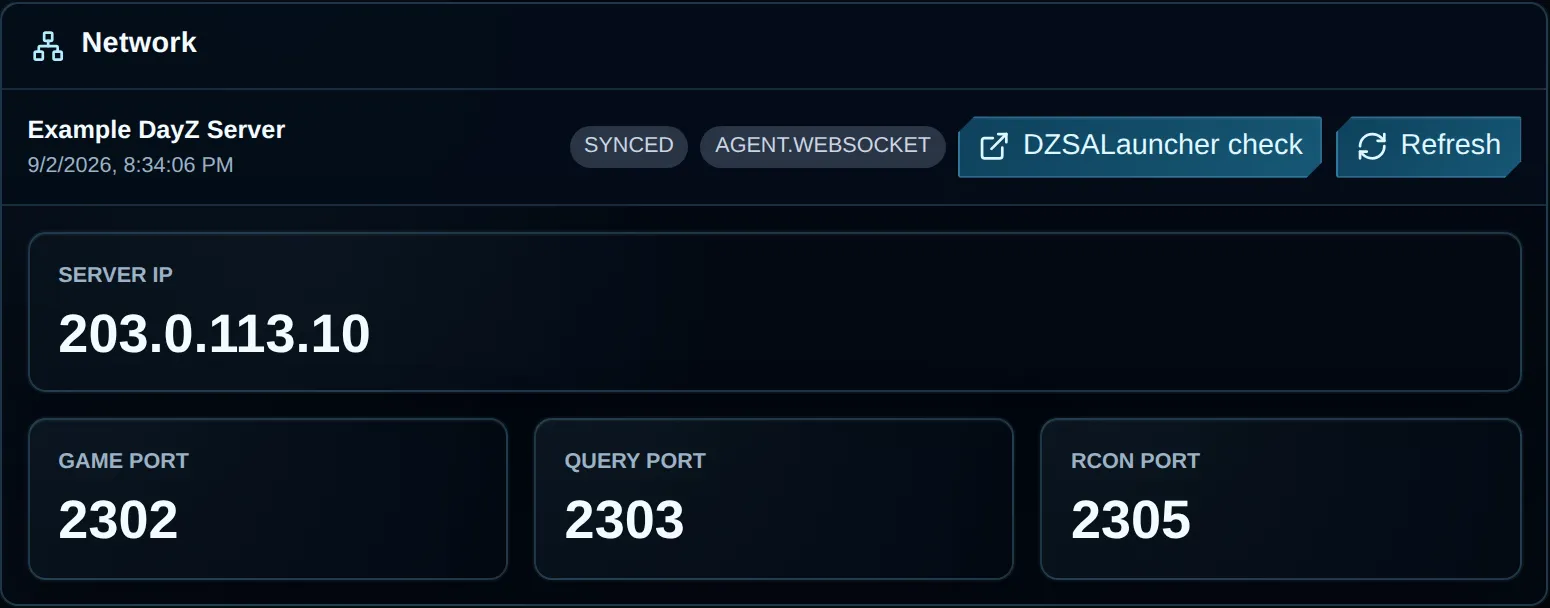
Example server address and assigned ports on the VXPanel Network screen.
VXPanel is shown above. DayZ Architect+ includes VXPanel and CFTools Architect.
Each physical server is overclocked and liquid-cooled, then tested for 72 hours before we hand it over.
Pick a billing term, then choose Chicago or Amsterdam.
Save €70.95 over 6 months versus monthly billing. €168.99 billed upfront, excl. VAT.
Need help choosing? Ask on Discord (opens in a new tab)
Card required. No charge. You choose whether to buy.
After 48 hours, the trial stops and no paid subscription begins. Paid and trial hardware may differ. Export files you need before expiry; active trial data is deleted seven calendar days after suspension.
Move your existing community with free migration help and seven days free if you qualify for the switcher offer.
Tell us your current provider, data size, mods, peak player count, region and preferred move date.
We review the files with you and agree how the move will work.
Check and approve the plan before we transfer your server.
Tell us what you are moving.We agree what to transfer and when before starting the move.
Prepare the details for a VYKIX Discord ticket. Your host, player count and mod list stay in your browser until you share them.
Choose Chicago or Amsterdam to place your server closer to your players. The paid plan includes an i9-14900K OC, DDR5 memory and NVMe storage; use the DayZ server requirements checklist when planning the load from your map and mods.
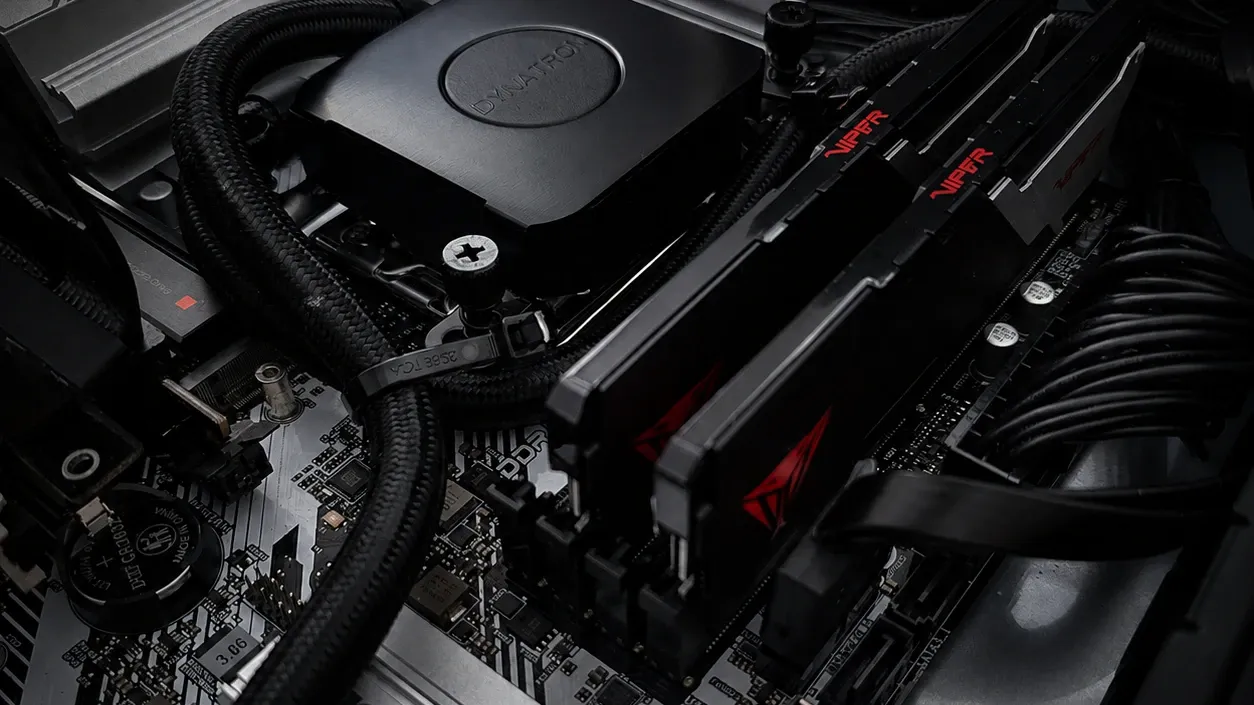
DayZ traffic passes through VxShield's Global Anycast edge for filtering before accepted player traffic reaches your server.
Included on every planNo DDoS add-on fee.
DayZ-aware filteringA protection profile built for DayZ traffic.
Network statusView live status (opens in a new tab)VxShield combines upstream mitigation from Global Secure Layer (GSL) with additional filtering on VYKIX's network.
The Ground Zero report recorded a 2.56 Tbps network peak on .
The VxShield Anycast cache replies to supported A2S_INFO server-browser checks. A cache hit keeps that request out of your DayZ process, including during an A2S flood.
Included with managed DayZ hosting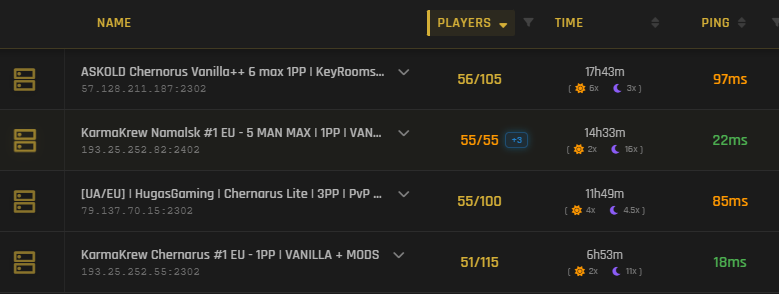
For steadier server-browser responses, VxShield replies to supported A2S_INFO checks using status cached at the Anycast edge. Requests served from that cache stay out of your DayZ process, including Layer 7 A2S floods targeting Steam query handling.
Read the KarmaKrew A2S attack case studyOwner-supplied capture · 18 August 2026. The capture measures server-browser response; it does not measure gameplay latency or promise a fixed result. Results vary with viewer and server location, route, load, refresh timing and configuration.
Open full capture (opens in a new tab)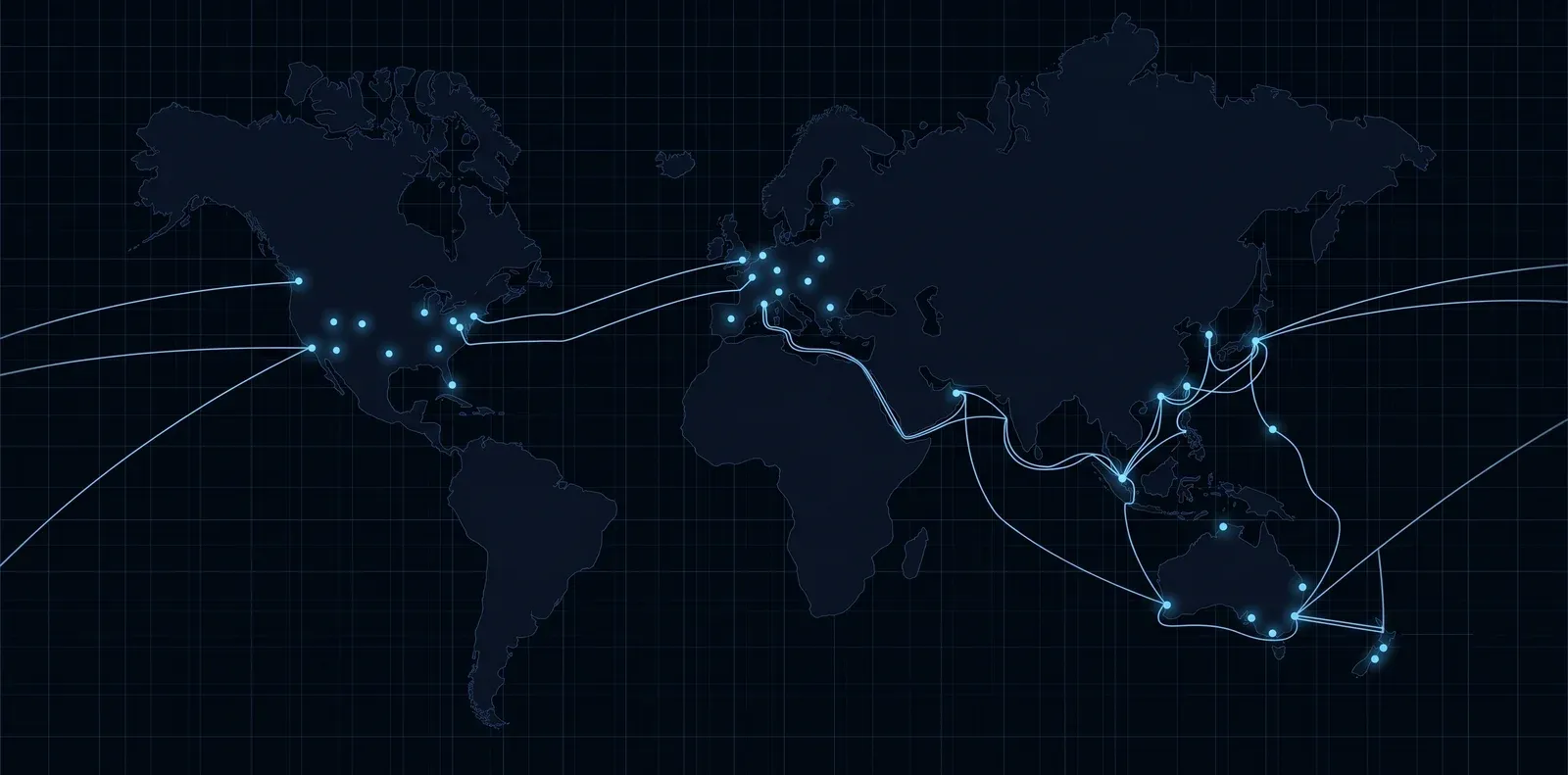
Choose Chernarus, Livonia, Sakhal or any other released official DayZ PC map, or use a compatible community map from the Steam Workshop. VYKIX maintains the host while you handle mission files and configuration in VXPanel. Learn how to install Workshop mods and check dependencies.
Open the free DayZ economy editorPlayers need DayZ Frostline for Sakhal. Check server-file compatibility and dependencies before installing a community map.
See how VXPanel handles Workshop mod installation, planned restarts and server-file editing.
Choose mods for your community and arrange the order in which they load.
Check the dependencies listed by the mod author before installation.
Read the mod installation guide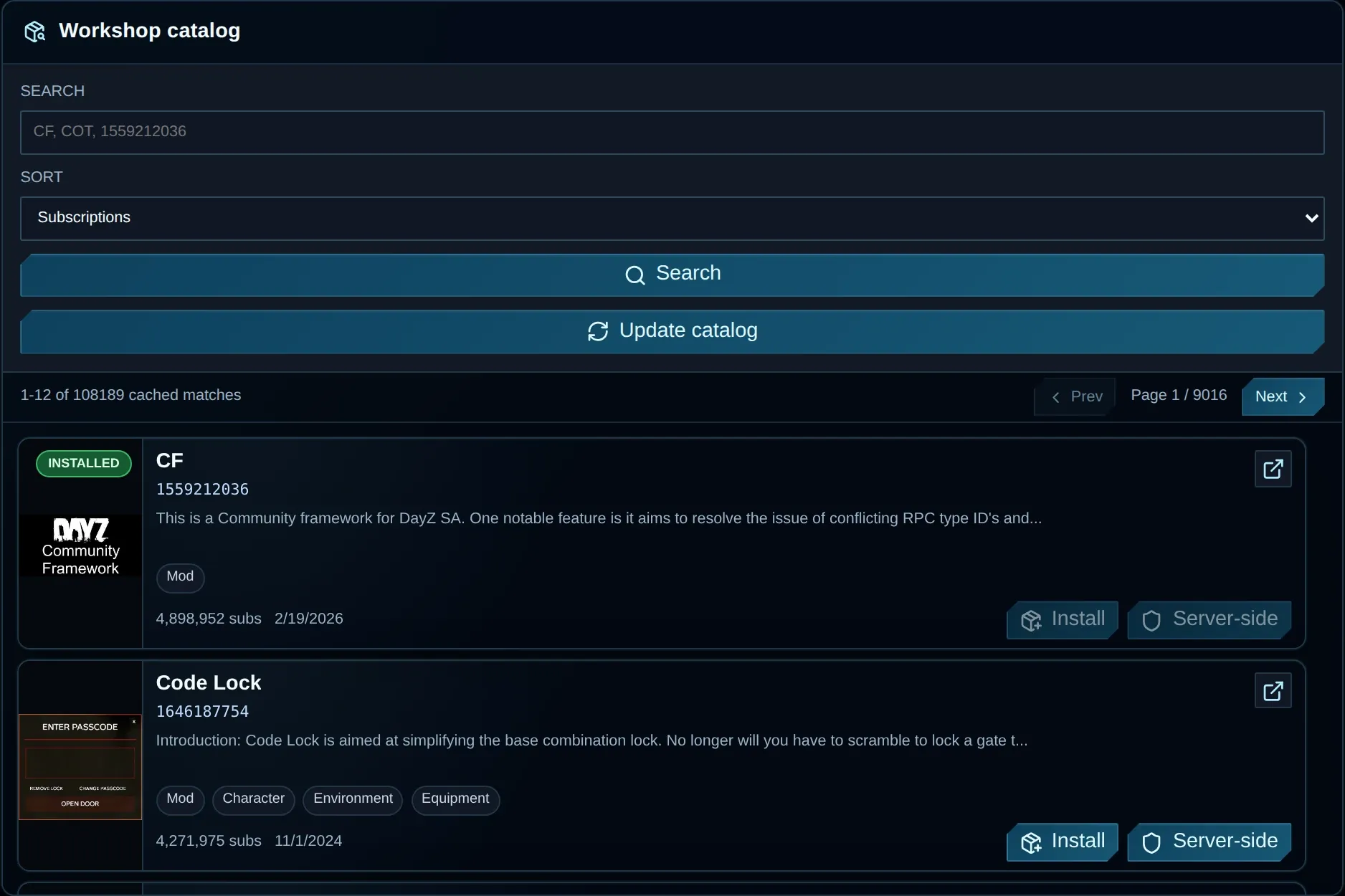
Choose a timezone and time, check the resulting schedule, then save it.
Check the restart policy and choose a time when your community is quiet.
Read the restart scheduling guide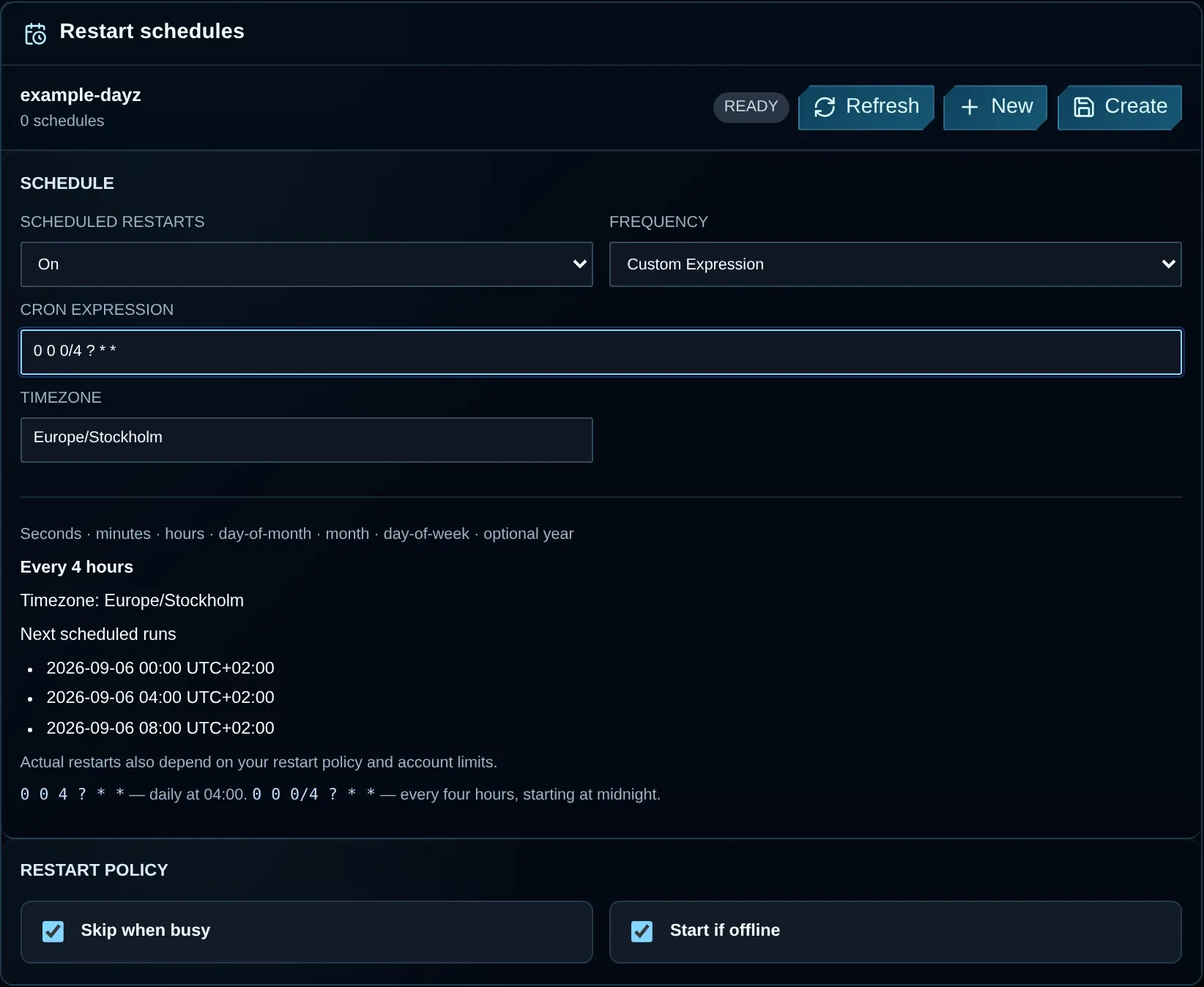
Use File Manager to browse the server directory and upload your configuration.
Transfer larger files through SFTP.
Read the file access guide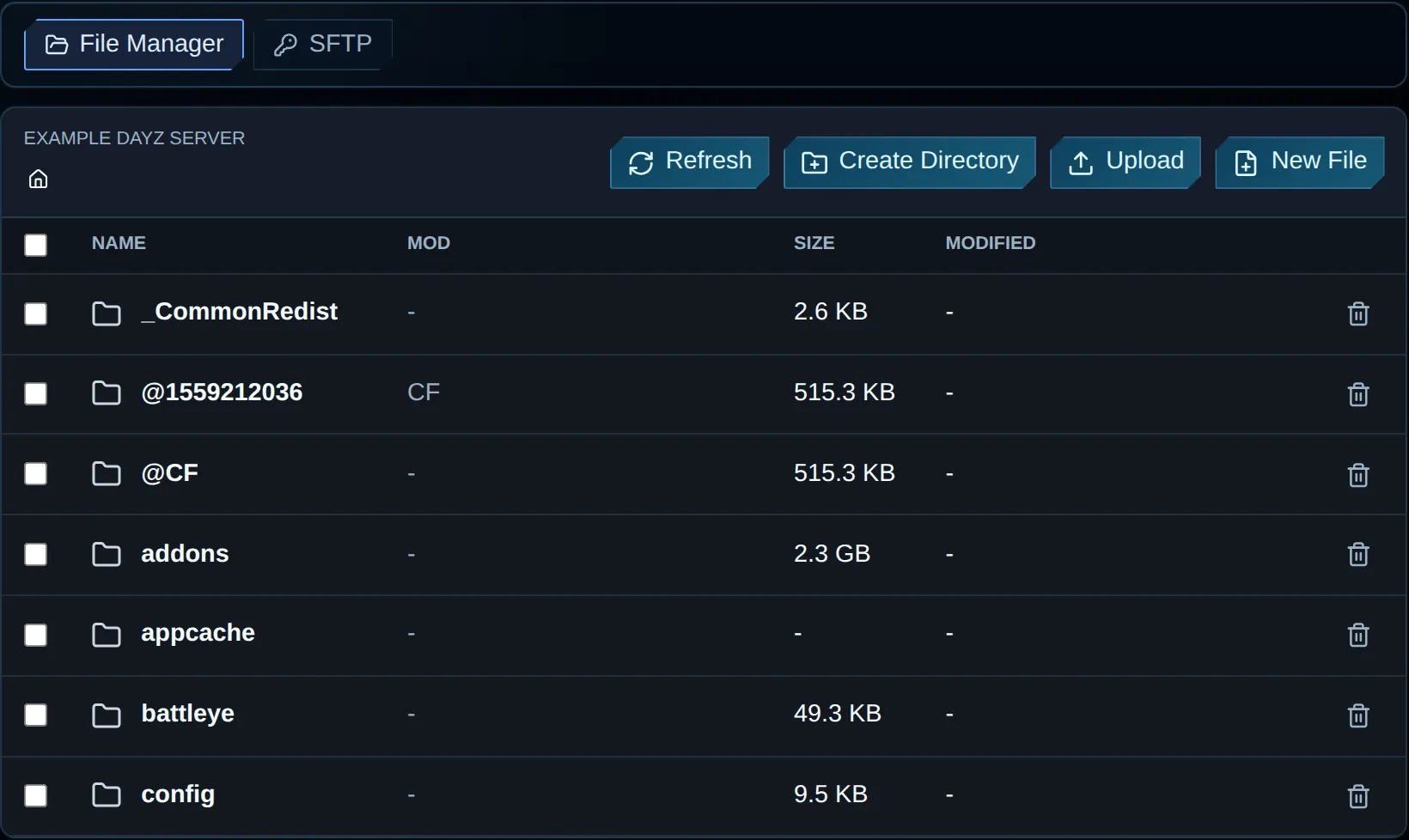
Your paid server includes a DayZ website and basic static hosting for rules, mods, events, staff, Discord links and community updates.
Included with your active paid DayZ plan. Request your site on Discord. Request my DayZ website on Discord (opens in a new tab) Support just keeps getting better and better, Niko & Vykix a credit to the gaming server world.
We've used Niko's services for over a year now with fast support, minimal issues and great hardware.
Fantastic connectivity and an incredibly responsive tech team.
Selected customer experiences, quoted in English. Sources checked . Read the full reviews and replies on Google.
It filters traffic targeting your DayZ game connection and Steam server-browser queries before it reaches the server. VYKIX's managed DayZ profile combines upstream mitigation, network filtering and supported A2S_INFO caching. Protection depends on the active rules and attack traffic; a browser response does not prove that gameplay is available.
Managed DayZ hosting includes VxShield. Select a city and billing term to check the order. Your order total, including applicable taxes and fees, is shown before payment.
Before traffic reaches the host, VxShield filters attacks and caches supported server-browser queries at the edge. This is best-effort protection; attacks can still interrupt service. Mod scripts, workload and player connections can also affect play. Share symptoms and incident times with VYKIX when investigating.
17 Tbps is the combined filtering capacity of the VxShield network. It is not capacity dedicated to your individual DayZ server, which uses that network's DayZ protection profile. The filtering explanation and A2S case study show how it handles DayZ traffic.
For managed DayZ, VYKIX maintains VxShield protection. VPS and dedicated-server customers configure their own rules in the VxShield dashboard. Confirm which hosting model a firewall guide covers before applying it.
Supported A2S_INFO browser requests use the managed DayZ profile's Anycast cache. When the cache has an answer, the edge responds without sending the request to the DayZ process. Other query types and cache misses require separate handling. A2S response time describes a browser check, not gameplay ping.
Share the incidents, your current setup and available file exports with VYKIX. We can assess a compatible PC server for migration and plan protection and player handover. Keep an independent backup and leave the current service in place until checks on the copied world pass.
Find the guide for your map, community style or hosting location, with the controls and setup choices you need for a PC server.
Install Workshop content, arrange the load order and manage all game files in VXPanel for your chosen map and mods.
Host your modded serverSet up a join password or whitelist for friends and invited players, then choose the map and rules for your private community.
Host your private groupFor help planning your server, read how much a DayZ server costs, the DayZ server setup guide, and how DayZ DDoS protection works.
Use the best DayZ server hosting checklist to compare providers. The free DayZ hosting guide covers self-hosting costs and trial terms.