Rust Carbon vs Oxide (2026): Which Mod Framework to Use
Choosing Carbon or Oxide for Rust? Check your plugins, test both on a copy of your save, and plan a migration you can roll back.
On this page
Start with the plugins your players rely on. A framework switch has to preserve their balances, permissions and progress, so write down those requirements before comparing Carbon and Oxide.
Carbon’s admin panel and modules may save work in your setup, and you can test whether its design improves performance on your world. If Oxide supports your plugins and fits your maintenance routine, you can keep it. Carbon aims to run most Oxide plugins; check your versions, dependencies and extensions before moving them. Carbon’s owner documentation
Carbon vs Oxide: the practical differences
| Decision | Oxide | Carbon |
|---|---|---|
| Plugin choice | Check each plugin’s Rust/Oxide version and required dependencies. | Ask the author about Oxide compatibility and any Carbon-specific requirements. |
| Admin workflow | Use console commands, configuration files and your chosen admin tools. | Manage permissions, modules and server controls through the built-in game panel. |
| Plugin updates | A changed plugin file can compile and reload while the server runs. | Select compatible plugin releases and test them after a framework self-update. |
| Rust updates | Install the matching Oxide release; a vanilla update can overwrite its patched files. | Check the selected build, Rust protocol and self-update settings at startup. |
| Performance decision | Measure your existing workload as the baseline. | Run the same workload and compare measurements. |
For the update steps, use the Oxide installation guide, Oxide plugin guide and Carbon update documentation.
Carbon’s admin tools
You can manage permissions and modules in-game through Carbon’s Admin module. Configure owner access, then open it with /cpanel or /cp. Review the module’s settings so your admins get the tabs and permissions they need. Carbon Admin module
Carbon’s optional Gather Manager and Stack Manager may replace plugins you use for those jobs. Compare their settings before switching, and avoid letting two systems change the same gathering or stacking behavior. That overlap makes a fault harder to find.
Oxide supports plugin reloads without restarting the server. Follow the plugin author’s instructions for config and data changes, then include a restart in your tests to make sure the data survives.
Updates still need an owner
Check which Carbon build and Rust version you are running and how self-updates are configured. After an update to either framework, read startup errors and try the economy, custom events and permission checks your players depend on.
Schedule migration away from wipe day where you can. A framework change is easier to investigate when you have kept the map and game release the same. Plan the maintenance window with the Rust wipe automation guide.
Check your plugin inventory before switching
Record the versions installed on your server. Include paid and private plugins, custom-map dependencies, extensions and services that keep data outside the game directory.
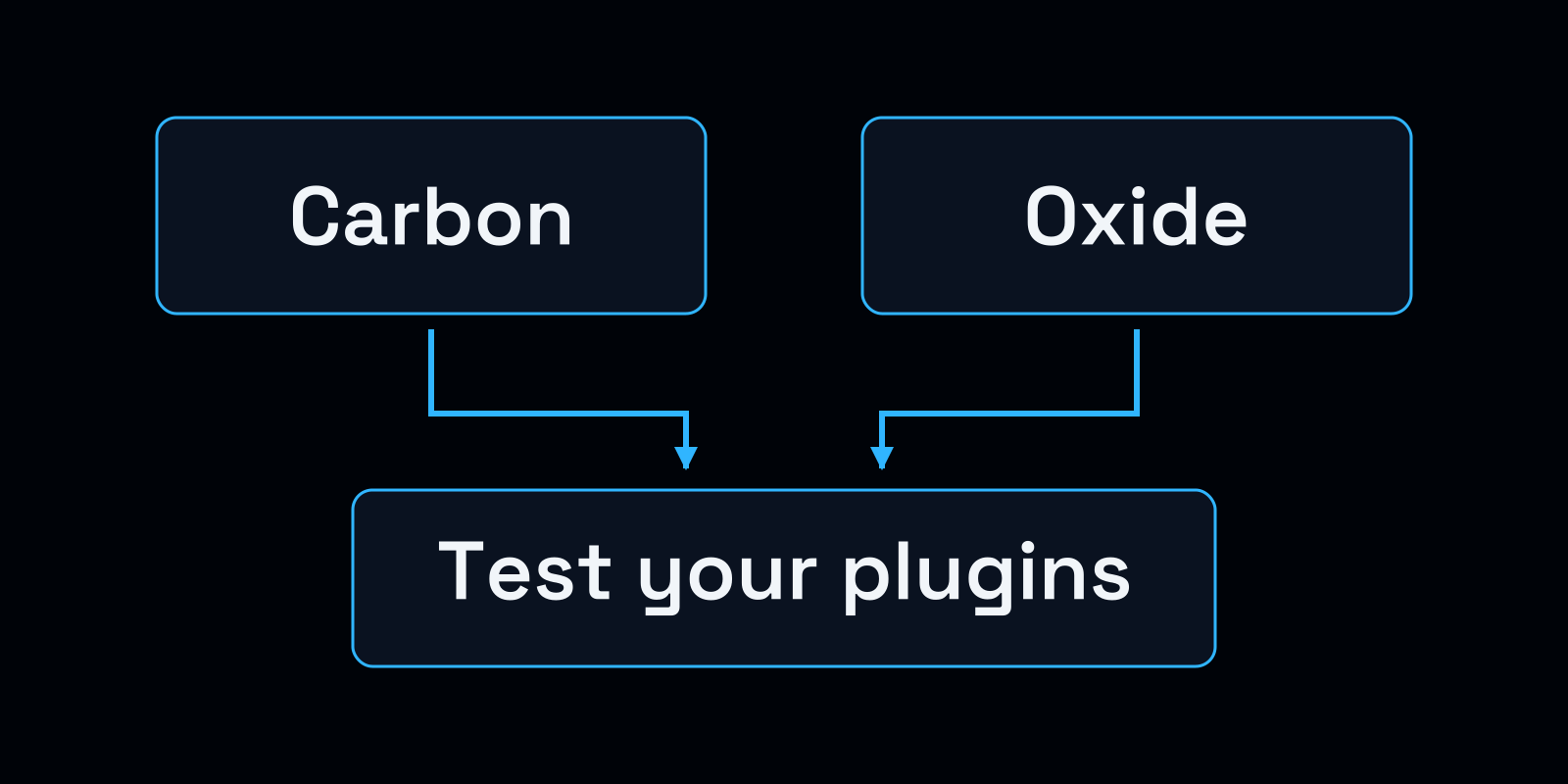
Use one save and plugin set for both tests, with a matching code and data backup ready to restore.
| Record | What to check |
|---|---|
| Name and installed version | Copy the version running on your server; a marketplace page may show a later release. |
| Supported framework | Read the author’s compatibility statement and ask about any missing support. |
| Dependencies | List plugin dependencies, extension DLLs and database connections. |
| Persistent state | Back up configuration, permissions, player progress and external data. |
| Acceptance check | Pick a player action to test and the data it must retain after a restart. |
| Recovery | Keep the previous code with its matching data snapshot where the licence allows it. |
For example, make a purchase through your economy plugin, disconnect, restart the server and check the balance. Repeat with an ordinary player account as well as an admin. Owner permissions can hide a problem that stops players using a feature, even when the plugin compiles without errors.
Include the state in oxide/data as well as editable configuration. A backup of the .cs files lacks the player progress managed by those plugins. Keep code and data from the same point in time together, since an update can change the data format. Oxide data files
Compare performance on the same workload
Carbon loads hooks when plugins need them. To find out whether that helps your server, compare it with your existing setup under the same load. Carbon’s dynamic-hook overview
Keep the allocation, Rust build, save, plugin versions, configuration and FPS cap fixed. Restore your starting snapshot between runs. Record player activity and entity counts with each run so an empty morning does not end up compared with an active raid.
| Observation | Record with it |
|---|---|
| Startup duration | Save the start and ready log markers; note downloads or compilation during startup. |
| Server FPS and stalls | Capture readings during matched activity, saves and plugin actions. |
| Memory and CPU | Keep process-memory readings, allocation limits and any per-core measurements. |
| Plugin errors | Save the message, timestamp, version and action that triggered it. |
| Player symptoms | Note affected players, their connections and whether the fault repeats. |
Repeat the runs to see whether the difference holds. If you can test with only a small group, keep that population beside the result. You still need a busy-session test before sizing the server for a larger community.
Carbon includes a profiler and offers a standalone version for vanilla or Oxide. Profiling adds overhead, so use the same capture settings while investigating code. Remove the profiler when measuring normal play. Carbon profiler documentation
For an existing lag problem, use the Rust lag diagnosis to identify server, client and network symptoms. If you are starting a server, the Rust server requirements checklist helps you define a workload to test.
Migrate with a recovery plan
Give the rehearsal instance its own ports. Isolate its external databases, webhooks and other services before startup so a test purchase or event cannot change your live community’s data.
1. Capture a recoverable starting point
Shut down using the normal procedure and confirm that Rust has exited. Back up the save and identity directory, startup settings, plugins, configurations, permissions, extensions and external plugin data. Store a copy away from the server, then restore it to the test instance.
Save the Rust build and framework versions with the backup. Recovery also needs the identity and startup parameters that tell Rust which files to load. Rust server setup reference
2. Follow the supported conversion procedure
Use a single framework per installation. Carbon requires the server to be stopped, Oxide installation/update tooling to be disabled and vanilla Facepunch DLLs to be present. Follow your host and branch’s validation procedure before installing Carbon over a former Oxide setup.
Carbon documents both a first-start conversion and a manual conversion. Configuration moves from oxide/config to carbon/configs; note the plural configs. Move extensions to the destination specified for them. The first-start migration runs once, so read its output before deciding how to repair a missing step.
Use the full Carbon Oxide migration guide to check the files and paths for your installation.
3. Verify before admitting players
Confirm the loaded framework and plugin versions in the logs. Work through your inventory’s tests for permissions, player progress, custom-map features and external services. Restart the test instance and verify that the data and rules persist.
After the rehearsal passes, book the live maintenance window. Stop the live server and make a fresh migration backup so it includes progress made since the rehearsal.
4. Restore the matched snapshot if the switch fails
Keep the logs from the failed migration, then stop the instance. Restore the previous framework, startup configuration, save, plugins and matching data with the procedure you rehearsed. Use a clean installation or a verified snapshot restore so mixed Carbon and Oxide files are not left behind.
Players lose progress made after the snapshot you restore. A required Rust update can also prevent an old runtime from working with current clients or saves. Check that your recovery build is compatible before reopening, and explain the tested recovery plan to players.
Using Carbon or Oxide on VYKIX
Paid managed Rust hosting supports Oxide/uMod and Carbon workflows through file access, console controls and maintenance schedules. Choose framework and plugin versions that support the installed Rust release.
Take a backup and rehearse restoration even if the panel installs the framework for you. If you want help planning a switch, send us the framework versions, plugin inventory and redacted errors so we can work from your setup.
Check the Rust hosting plan against the workload you measured. Compare quotes and billing periods with the Rust cost calculator, and use the Rust PvE setup guide to add damage-rule tests to the migration.
Common questions
Do most Rust servers use Oxide or Carbon?
We do not have verified install counts that show which has the majority. Choose around your required plugins, then test them on your server before changing frameworks.
Is Carbon compatible with Oxide plugins?
Carbon is designed to run most Oxide plugins. Check support for your installed Rust build, plugin versions, dependencies and extensions with the authors, then test the actions your players use.
Does Carbon reduce Rust server lag?
Carbon’s dynamic hooks may reduce work for your plugin set, and its profiler can help find expensive code. Compare the same save, plugins, settings and activity on each framework. Investigate client FPS and network trouble as separate causes of lag.
Can I switch from Oxide to Carbon without losing data?
Use Carbon’s migration instructions for configuration, plugin data and permissions. Stop the server, take a complete backup and rehearse both migration and restoration. Include external databases and any state kept outside the game directory.
Is Carbon or Oxide better for a new Rust server in 2026?
Use required-plugin support to narrow the choice. Carbon’s admin panel and modules may suit your workflow; Oxide may fit the stack you plan to run. Check player actions and data after a restart before inviting the community.
Do most Rust servers use Oxide or uMod?
uMod distributes Rust plugins and an Oxide download, which is why the names appear together. In this comparison, Oxide is the installed framework. Note its version when checking plugin requirements.
Use the Oxide Rust repository and uMod Rust page to identify the framework and download.
If you are moving from another host, confirm migration scope and eligibility with us. The switcher offer includes best-effort migration and seven days added to an eligible paid plan under its terms. See Rust server hosting plans | Ask VYKIX on Discord
Rust hosting for your community.
Review Rust plans with VxShield DDoS protection and no added player-slot fee.