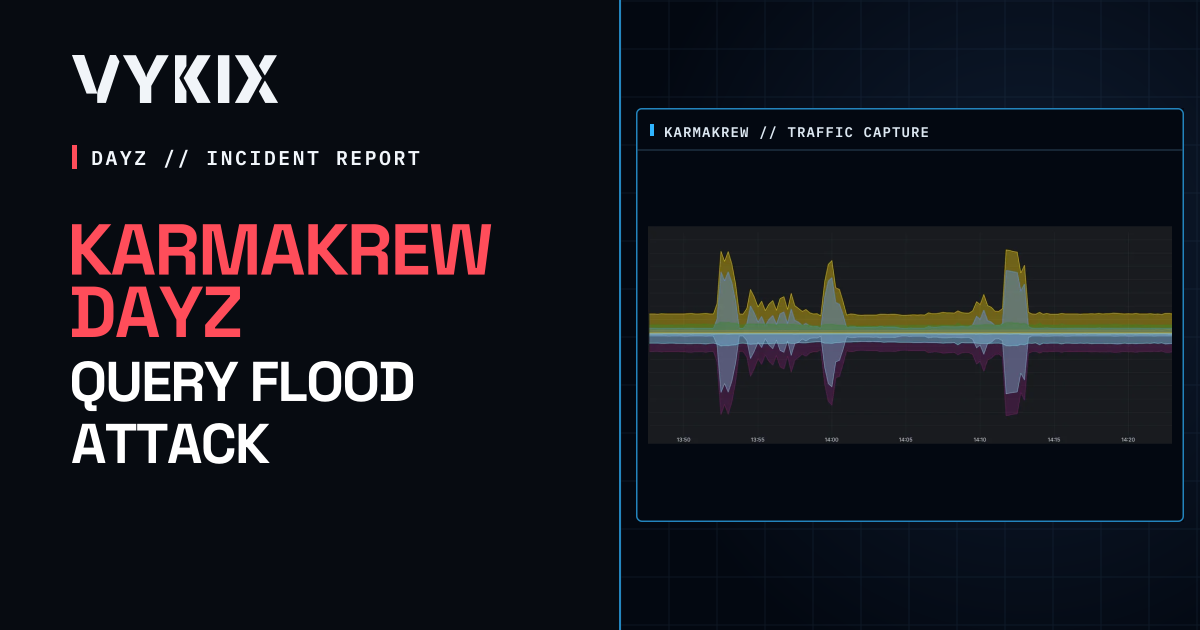
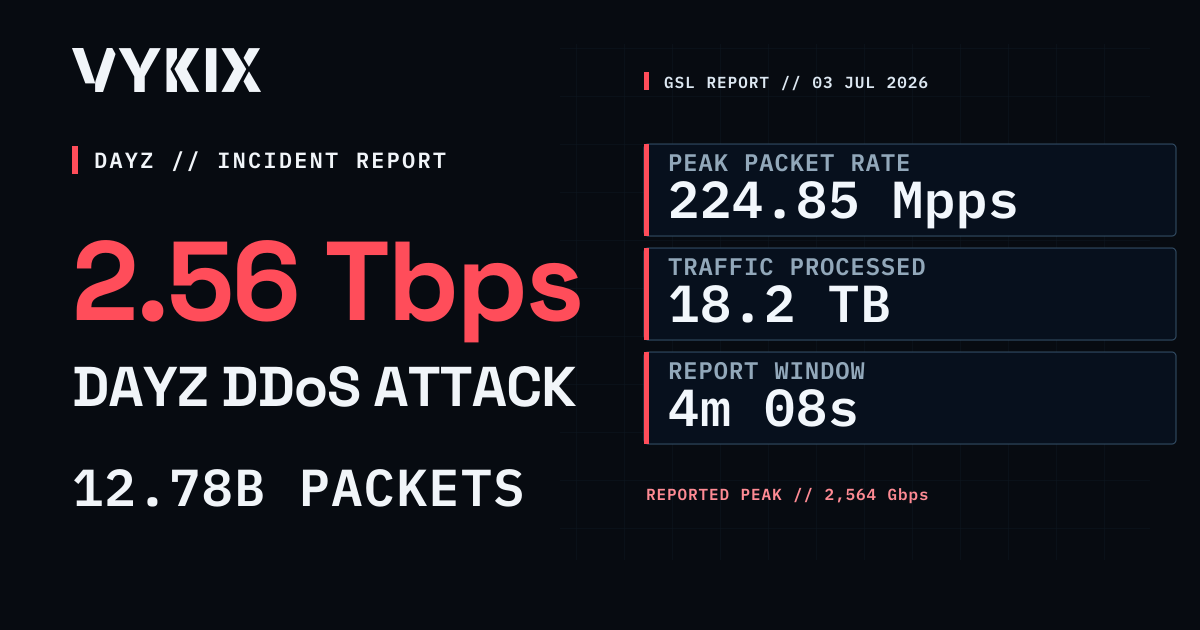
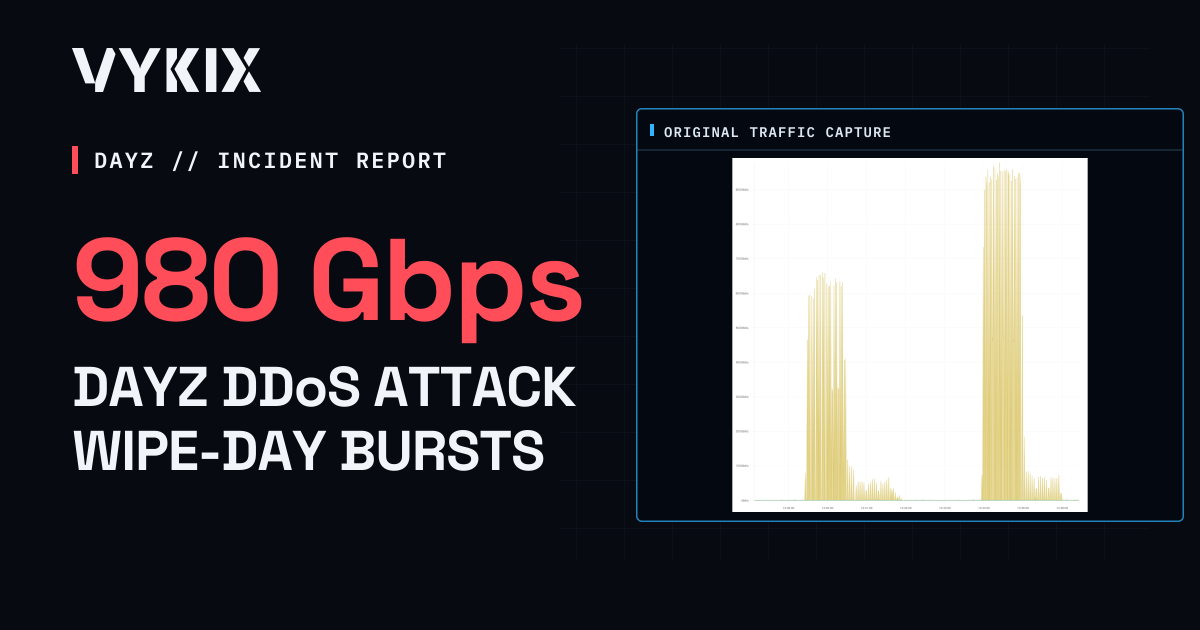
The Project DayZ 704 Gbps DDoS Attack: 2023 Case Study
VYKIX's 2023 response to The Project DayZ attack, with reported peaks of 704 Gbps and 68.0 Mpps, and the packet filtering behind the service.

On this page
On Saturday, 15 April 2023, The Project DayZ faced a DDoS attack while using VYKIX’s DayZ protection. Our incident write-up recorded peaks of 704.0 Gbps and 68.0 million packets per second, with the attack lasting about five minutes.
We published the next day, describing “no lag or DayZ crash/downtime.” That is the historical report’s availability claim; the retained sources do not include server and player-session logs to verify it.
The Attack on 15 April 2023
| Field | Reported result |
|---|---|
| Target | The Project DayZ |
| Attack date | 15 April 2023 |
| Report publication date | 16 April 2023 |
| Peak bandwidth | 704.0 Gbps |
| Peak packet rate | 68.0 Mpps |
| Duration | About five minutes |
| Player impact | No lag, DayZ crash, or downtime |
The figures and availability result come from our first archived VYKIX report and its September 2023 case-study revision. Neither source includes raw telemetry, packet captures, server and session logs, or independent uptime records. The revision’s network-chart placeholder links to The-Project-DDoS-attack-1024x263.webp; that linked image was not retrievable from Wayback during this review.
The Project DayZ’s official website describes its present-day PvP focus and European servers. We do not know how those servers were configured for the April 2023 incident.
The Traffic Behind the Peak
The five-minute figure covers the event as a whole. Without a sampling interval or traffic timeline, we do not know how long the flood stayed near either peak.
The attack vector was not identified. Its protocol mix, destination ports, source networks and botnet remain unknown.
Why 704 Gbps and 68.0 Mpps are separate measurements
A filter has to handle both the volume of incoming data and the number of packets carrying it. Gbps measures the first; Mpps measures the second. A network with bandwidth to spare can still reach a packet-processing limit.
The report does not show whether both peaks occurred in the same sample. You can’t calculate the flood’s average packet size by dividing these reported peaks.
Save both measurements with the timeline when documenting an attack on your server. You can then see whether a peak was brief or sustained and compare changes in traffic with changes to the filters.
How the DayZ Filter Worked
In 2023, we called this service our “DayZ filter”. The archived account describes stateful TCP and UDP mitigation, eBPF/XDP packet processing at line rate and an Anycast network. It does not include deployed filter code, rule histories or a benchmark to verify that implementation and processing rate.
VxShield now combines Global Secure Layer (GSL) upstream mitigation with additional filtering on VYKIX’s network. The archived account doesn’t identify the April 2023 upstream route or the layer that measured the reported peaks.
Those controls were intended to handle abusive traffic before it disrupted DayZ. Stateful filtering checks traffic with the context of the exchange, while the upstream network handles the incoming load.
When reviewing protection for your server, ask which checks run on the game and query paths, which packets they reject and how valid requests are tested after a change. Support for TCP and UDP is a starting point for that conversation.
What to Save During an Attack
Keep the records you will need to understand the response and troubleshoot the next incident:
- Bandwidth and packet-rate peaks. Gbps and Mpps describe separate processing demands.
- A complete event timeline. Include the rise and fall of traffic, with timestamps for the peaks.
- The details behind the attack classification. Keep protocols, destinations and filter counters with the vector description.
- Game and player records. Save server logs, session data and independent uptime monitoring to check the effect on access.
Collect them during the incident, before logs are lost or replaced.
Our DayZ DDoS protection guide explains the protection model we use now, with configuration details in the VxShield DayZ firewall documentation. For a later attack with a fuller network timeline, see the 2.56 Tbps Ground Zero report.
Common questions
How large was the DDoS attack against The Project DayZ?
Our report gives peaks of 704.0 Gbps and 68.0 million packets per second on 15 April 2023, during an attack lasting about five minutes.
Did the Project DayZ server go offline during the attack?
We reported no lag, DayZ crash or downtime in 2023. The retained case-study sources do not include the server and player-session logs needed to check that result.
What type of DDoS attack hit The Project DayZ?
We did not identify the attack vector or protocol mix. Our filter supported TCP and UDP, but we do not know which protocols made up this attack.
What should DayZ DDoS protection report during an attack?
Collect Gbps and Mpps measurements with the full traffic timeline. Save game-server and player-session records too, so you can compare the network load with the effect on players’ access.
Protect the DayZ traffic path
VYKIX’s current DayZ service includes VxShield for network floods, game traffic and supported browser queries. If you’re planning a move, bring us your game and query endpoints and any incident records so we can review the protection setup with you.
See DayZ server hosting plans | Read the DayZ DDoS protection guide
DayZ hosting for your community.
Review DayZ plans with VxShield DDoS protection and no added player-slot fee.